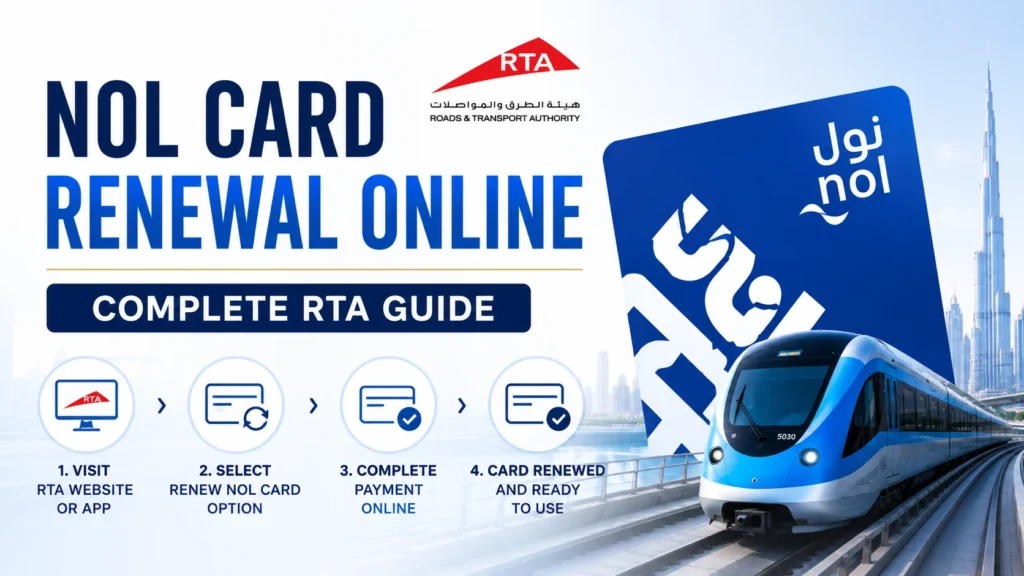
NOL Card Renewal Online 2026: Complete RTA Guide
If your NOL card is about to expire or has already expired, renewing it on time helps you avoid travel interruptions across Dubai’s metro, buses, trams, and other RTA public transport services. The renewal process depends on the type of card you have. Personal (Blue) NOL cards can usually be renewed online through the RTA website or the Nol Pay app, while Silver and Gold cards are generally replaced with a new card once they reach the end of their validity period. Before starting, it’s always worth checking your card validity, expiry date, and remaining balance so you can choose the correct renewal method and avoid unnecessary delays.
Table of Contents
ToggleQuick Answer
Most NOL cards remain valid for five years from the date of issue. If you have a registered Personal (Blue) NOL card, you can apply for renewal online using the RTA website or the Nol Pay app. Silver and Gold cards are typically replaced rather than renewed after expiry. Before submitting your request, check your NOL card validity, ensure your documents are up to date, and keep your NOL Tag ID ready for a smoother application process.
Which NOL Cards Can Be Renewed?
Not every NOL card follows the same renewal process. Some cards can be renewed online, while others need to be replaced once they expire. Understanding your card type before applying will help you choose the correct method and avoid delays.
Personal (Blue) NOL Card
The Personal (Blue) NOL card is a registered NOL card linked to your Emirates ID. It can be renewed online through the RTA website or the Nol Pay app after completing the required verification. Your eligible card balance and travel benefits can also be transferred to the new card once the renewal is approved.
Student NOL Card
The Student NOL card is also renewable because it is a registered card. However, you’ll need to provide a valid student enrollment letter or other supporting documents if requested by RTA to continue receiving the student fare discount.
Senior Citizen NOL Card
If you hold a Senior Citizen NOL card, you can renew it by updating the required documents and completing the renewal process through the official RTA channels. Keeping your information up to date ensures you continue receiving eligible travel concessions.
People of Determination NOL Card
The People of Determination NOL card can also be renewed online. During the application, RTA may ask for valid supporting documents to confirm your eligibility before issuing a new card.
Silver and Gold NOL Cards
Unlike registered cards, Silver and Gold NOL cards are generally issued as anonymous cards. These cards cannot be renewed after their expiry date. Instead, you’ll need to purchase a new card and, where eligible, request a balance transfer or follow the appropriate RTA process to recover any remaining balance.
Before starting your NOL card renewal, take a minute to check your NOL card validity. Many people assume their card has expired when the real issue is simply a low balance or a pending transaction. Confirming your card status, expiry date, and remaining balance beforehand helps you choose the correct renewal method and avoids unnecessary trips to a metro station or delays during the application process.
You can check your NOL card expiry in several ways:
Through the RTA Website
Visit the official RTA website, enter your NOL Tag ID (the 10-digit number printed on the back of your card), and you’ll instantly see your card validity, expiry date, available balance, and any pending credit linked to the card.
Using the Nol Pay App
If you use the Nol Pay app, simply sign in and tap your card using NFC (or enter the card number manually if supported). The app displays your card status, recent transactions, remaining balance, and expiry information in one place.
At a Metro Station
You can also check your card by tapping it on any Ticket Vending Machine (TVM) or ticket validator at a Dubai Metro station. Within a few seconds, the screen will show your balance, validity, and whether your card is still active.
At an RTA Parking Meter
Another quick option is an RTA parking meter. Simply tap your NOL card, and the system can display your current card status along with the remaining validity period, making it a convenient choice when you’re already on the move.
NOL Card Renewal Requirements
Before you apply for NOL card renewal, make sure you have the required documents and information ready. Having everything prepared in advance helps you complete the application faster and reduces the chances of delays or rejection. The exact requirements may vary depending on your NOL card type, but most users will need the following:
Basic Requirements
- A valid NOL Tag ID (10-digit number printed on the back of your card)
- A valid Emirates ID for registered residents
- Your UAE PASS account to sign in to the RTA website or other RTA services
- A recent passport-size photo with a plain white background (for eligible personal card applications)
- A valid mobile number and email address for application updates
- A credit card or debit card to pay the applicable renewal fee
Additional Documents (If Applicable)
Depending on your card category, RTA may ask for extra documents:
- Student NOL Card: A valid student enrollment letter or proof of current student status.
- People of Determination Card: A valid People of Determination card or supporting document issued by the relevant UAE authority.
- Senior Citizen NOL Card: A valid Emirates ID confirming eligibility for the senior concession.
- Tourists: A valid passport may be required when applying for eligible services instead of an Emirates ID.
Tip
How to Renew Your NOL Card Through the RTA Website?
For most registered NOL card holders, the RTA website is one of the easiest ways to complete the NOL card renewal process. You can submit your application, upload the required documents, pay the renewal fee, and track your request without visiting a service center. Before you begin, make sure your Emirates ID, UAE PASS, and NOL Tag ID are ready.
Follow These Steps
- Visit the official RTA website and sign in using your UAE PASS account.
- Open the Public Transport section and select Renew or Replace Personal NOL Card.
- Enter your NOL Tag ID (10-digit number printed on the back of your card).
- Verify your personal details and update them if needed.
- Upload the required documents, such as your Emirates ID, recent passport-size photo, or other supporting documents based on your card type.
- Review your application carefully before submitting it.
- Pay the applicable renewal fee using a credit card or debit card.
- Once your application is submitted, save the reference number so you can track your renewal status later.
How to Renew Your NOL Card Using the Nol Pay App?
If you prefer using your smartphone, the Nol Pay app offers a fast and convenient way to complete your NOL card renewal without visiting an RTA Customer Happiness Center. Besides renewing your card, the app also lets you check your card status, expiry date, remaining balance, and manage other NOL card services from one place.
Follow These Steps
- Download and open the Nol Pay app on your Android or iPhone.
- Sign in using your registered account.
- Tap your NOL card using NFC or enter the NOL Tag ID manually if required.
- Select the Renew or Replace NOL Card option.
- Verify your personal information and upload any required documents.
- Pay the applicable renewal fee using your preferred online payment method.
- Submit the application and save the reference number to track your renewal request.
After Submitting Your Request
Once RTA reviews and approves your application, you’ll receive a confirmation through the app or SMS. If a new card is issued, any eligible remaining balance and active travel benefits will be transferred according to RTA guidelines.
Pro Tip: Before renewing through the Nol Pay app, make sure your phone supports NFC and your app is updated to the latest version. This helps avoid card-reading issues during the renewal process.
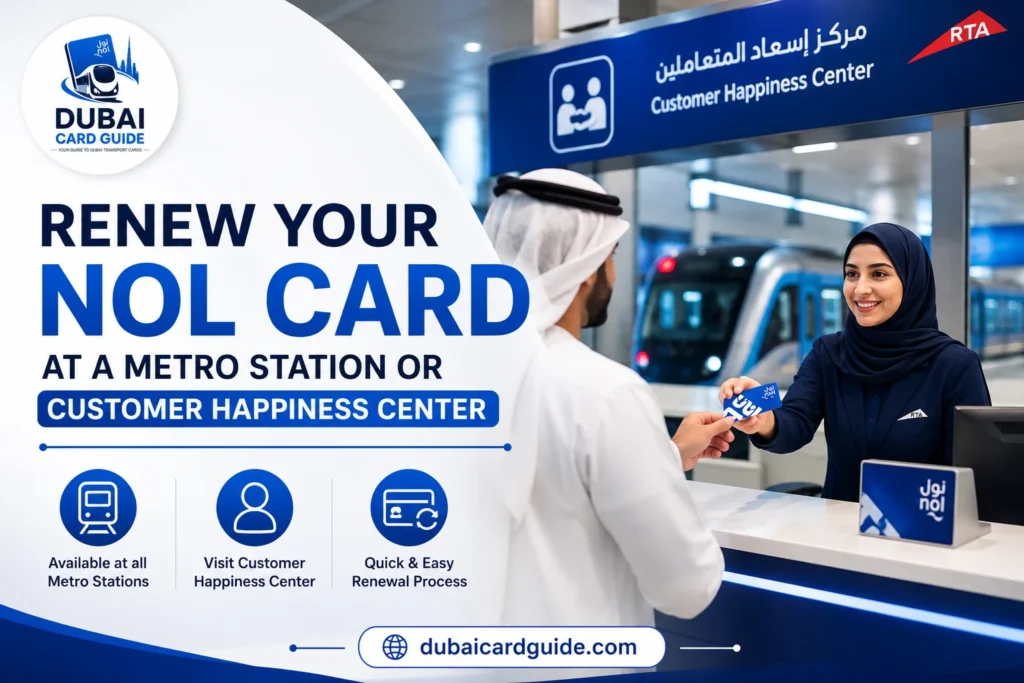
Renew Your NOL Card at a Metro Station or Customer Happiness Center
If you don’t want to renew your card online, you can also visit an RTA Customer Happiness Center or a Dubai Metro ticket office for assistance. This option is especially useful if you’re facing issues with online verification, need help with document submission, or want staff to guide you through the NOL card renewal process.
When Should You Choose This Method?
This option is recommended if:
- Your online renewal request isn’t working.
- You need help verifying your Emirates ID or personal details.
- Your NOL card is damaged and cannot be read.
- You want assistance with a balance transfer or card replacement.
- You prefer completing the process with the help of an RTA representative.
Steps to Renew Your Card in Person
- Visit the nearest RTA Customer Happiness Center or Dubai Metro ticket office.
- Bring your NOL card, Emirates ID, and any other required supporting documents.
- Ask the staff for the NOL card renewal or replacement service.
- Verify your details and submit the required documents.
- Pay the applicable renewal fee.
- Collect your receipt and reference number for future tracking.
NOL Card Renewal Fees & Processing Time
The cost of NOL card renewal depends on the type of card you have and the service you’re applying for. RTA may also update its charges from time to time, so it’s always a good idea to confirm the latest fee before submitting your application. Once your request is approved, the processing time varies depending on your NOL card type and the renewal method you choose.
Standard Renewal Fees
| NOL Card Type | Renewal Method | Fee | Validity |
|---|---|---|---|
| Personal (Blue) | Renew Online | AED 70 | 5 Years |
| Student | Renew Online | AED 70 | 1 Year (Student Status) |
| Senior Citizen | Renew Online | AED 70 | 5 Years |
| Silver | Replace Card | AED 25 | 5 Years |
| Gold | Replace Card | AED 25 | 5 Years |
How Long Does Renewal Take?
Although processing times can vary, here’s what most users can expect:
- Online applications submitted through the RTA website or Nol Pay app are usually reviewed within a few working days.
- If a replacement card is required, delivery or collection may take a little longer depending on the selected service.
- Applications with missing documents or incorrect information can take additional time to process.
What Happens If Your NOL Card Expires?
An expired NOL card doesn’t mean you lose your money immediately, but you won’t be able to use the card for travelling until it’s renewed or replaced. What happens next depends on whether you have a Personal (Blue) NOL card or an anonymous Silver, Gold, or Red Ticket.
If Your Card Has Expired
- You can no longer use the card on the Dubai Metro, buses, trams, or other RTA transport services.
- You won’t be able to top up or add a new travel pass to the expired card.
- Any eligible remaining balance stays linked to the card, but it can’t be used until the issue is resolved.
- Personal (Blue) NOL card holders can apply for renewal or replacement and request a balance transfer to the new card.
- Silver and Gold NOL cards cannot be renewed after expiry. Instead, you’ll need to purchase a new card and transfer the eligible balance if allowed by RTA.
- If you’re using a Red Ticket, it isn’t renewable. Once it expires or reaches its trip limit, you’ll need to buy a new one.
Can You Recover the Remaining Balance?
Yes, in most cases you can recover your remaining balance, but the process depends on your NOL card type and whether it’s registered. Personal cards generally offer more recovery options, while anonymous cards may require you to visit a metro ticket office or Customer Happiness Center for verification.
If your card still contains unused credit, don’t throw it away. Keep it with you until your balance transfer or replacement request has been completed.
Personal (Blue) vs Silver & Gold NOL Card Renewal
One of the biggest misunderstandings is that every NOL card can be renewed the same way. That’s not true. The renewal process depends on whether you have a Personal (Blue) NOL card or an anonymous Silver or Gold NOL card. Knowing the difference before you apply can save you both time and unnecessary trips to an RTA Customer Happiness Center.
Personal (Blue) NOL Card
A Personal (Blue) NOL card is linked to your Emirates ID, which means RTA can verify your identity and let you apply for online renewal through the RTA website or Nol Pay app. If your card expires, your eligible remaining balance, travel benefits, and registered information can usually be transferred to the replacement card.
Silver & Gold NOL Cards
Unlike the Blue card, Silver and Gold NOL cards are usually anonymous cards unless they’ve been registered. Once these cards reach their expiry date, they cannot be renewed. Instead, you’ll need to buy a new NOL card and, if eligible, request a balance transfer or refund according to the current RTA policy.
Quick Comparison
| Feature | Personal (Blue) | Silver & Gold |
|---|---|---|
| Linked to Emirates ID | ✅ Yes | ❌ Usually No |
| Online Renewal | ✅ Available | ❌ Not Available |
| Renew Through Nol Pay App | ✅ Yes | ❌ No |
| Card After Expiry | Renew or Replace | Buy a New Card |
| Balance Transfer | ✅ Eligible | Eligible in approved cases |
How to Transfer Balance From an Expired NOL Card
If your NOL card has expired, you may still be able to recover the remaining balance. However, in many cases, RTA prefers transferring the eligible balance to a new NOL card instead of issuing a cash refund. The available option depends on your card type and whether it’s registered.
For Personal (Blue) NOL cards, the process is usually straightforward because the card is linked to your Emirates ID. After applying for a replacement or renewal, any eligible balance can normally be transferred to your new card once your request is approved.
If you have a Silver or Gold NOL card, the process is slightly different. Since these cards are often anonymous, you’ll usually need to purchase a new NOL card first. If your remaining balance qualifies under RTA’s policy, you can request a balance transfer through an RTA Customer Happiness Center or any other approved service channel.
Steps to Transfer Your NOL Card Balance
- Keep your expired NOL card safe and do not dispose of it.
- Purchase a replacement NOL card if your existing card cannot be renewed.
- Visit an RTA Customer Happiness Center or use an eligible online service, if available.
- Provide your expired card details and identity documents, where required.
- Submit the balance transfer request.
- Wait for RTA to verify your information and approve the request.
- Once approved, the eligible balance will be transferred to your new NOL card.
Balance Transfer vs NOL Card Refund
| Feature | Balance Transfer | NOL Card Refund |
|---|---|---|
| Where the money goes | Transferred to a new NOL card | Returned through an approved refund method |
| Best for | Users who will continue using public transport | Users who no longer need the NOL card |
| Requires a new card | ✅ Usually Yes | ❌ Not always |
| Subject to RTA approval | ✅ Yes | ✅ Yes |
Common Problems & Solutions During NOL Card Renewal
Most people expect NOL card renewal to take just a few minutes, but sometimes the process doesn’t go as planned. You might see an error on the Nol Pay app, your renewal request may stay pending, or your card might not be eligible for renewal at all.
The good news is that these issues are usually easy to fix once you know the reason behind them. Below are the most common NOL card renewal problems and the best ways to resolve them.
1. Your NOL Card Isn’t Eligible for Renewal
This is one of the biggest reasons why people get confused. Not every NOL card can be renewed after it expires. For example, Personal (Blue) NOL cards can usually be renewed, while Silver and Gold NOL cards often require you to buy a new card instead of renewing the old one.
How to Fix It
Before starting the renewal process, check your card type. If your card isn’t eligible for renewal, don’t waste time trying multiple times. Instead, purchase a new NOL card and apply for a balance transfer if you’re eligible.
2. Your Renewal Request Is Still Pending
Have you submitted your NOL card renewal request but haven’t received any update? This doesn’t necessarily mean your application has been rejected. RTA may take extra time to verify your information, especially during busy periods.
How to Fix It
Check your application status through the RTA website or the Nol Pay app. If the expected processing time has already passed, contact RTA Customer Support or visit the nearest Customer Happiness Center for assistance.
3. You Can’t Renew Your NOL Card Online
Many commuters prefer renewing their card online, but sometimes the option isn’t available. This can happen if your card isn’t registered, your account details don’t match, or your card type doesn’t support online renewal.
How to Fix It
First, make sure you’re logged into the correct RTA account and using the latest version of the Nol Pay app. If the online service is still unavailable, complete your NOL card renewal through an RTA Customer Happiness Center.
4. Your Remaining Balance Doesn’t Appear
After renewing or replacing a card, some users worry because their balance doesn’t show up immediately. In most cases, this is simply because the balance transfer is still being processed.
How to Fix It
Keep both your old and new NOL cards until the transfer is complete. If the balance is still missing after the estimated processing time, contact RTA and provide both card numbers for verification.
5. The Nol Pay App Keeps Showing Errors
If the Nol Pay app crashes, freezes, or refuses to load the renewal service, the problem is often technical rather than account-related.
How to Fix It
Update the app to the latest version, ensure you have a stable internet connection, and try signing in again. If the issue continues, use the RTA website or complete your renewal in person.
6. Your Card Has Already Expired
Many people wait until the last moment and only discover that their NOL card has expired when they try to travel. Depending on your card type, renewal may no longer be possible after expiry.
How to Fix It
Check whether your expired card qualifies for renewal or replacement. If renewal isn’t available, buy a new card and request a balance transfer if you’re eligible under RTA guidelines.
Conclusion
Renewing your NOL card on time helps you avoid travel disruptions and continue using Dubai’s public transport without interruption. Whether you have a Personal (Blue) NOL card or an anonymous Silver or Gold NOL card, understanding the correct NOL card renewal process can save you both time and unnecessary effort.
Before submitting your renewal request, it’s a good idea to check your NOL card balance to ensure you know how much credit is available on your card. If your balance is running low after renewal, you can also recharge your NOL card online or through any approved RTA channel before your next journey.
By following the steps and tips shared in this guide, you can complete your NOL card renewal with confidence and continue enjoying seamless travel across Dubai Metro, buses, trams, and other RTA transport services.
Frequently Asked Questions
Silver, Gold, and Blue Nol Cards are valid for 5 years from the issue date and require Nol card renewal after expiry. A Red Ticket expires after 90 days or 10 single trips, whichever comes first.
Check your Nol Card expiry date using the RTA website, NOL Pay app, SMS service, or any Dubai Metro ticket machine. These options display both your card validity and remaining balance.
Your Nol Card balance remains safe after expiry but cannot be used until the card is replaced. Registered Blue Nol Cards can transfer the balance to a new card, while Silver, Gold, and Red Cards may require assistance from an RTA Customer Happiness Center.
Yes, but it depends on the card type. Blue Nol Cards can be renewed online with a balance transfer, while Silver, Gold, and Red Nol Cards must be replaced with a new card after expiry.
Yes. A Nol Card expires 5 years from the issue date, even if you rarely or never use it.
Nol Card validity cannot be extended. Once the card expires, you must renew your Blue Nol Card or replace your Silver, Gold, or Red Nol Card.
Yes. Personal (Blue) Nol Cards can be renewed up to one month before the expiry date, helping you avoid service interruptions.
If you don’t renew your student status each year, your Student Nol Card automatically switches to the standard adult fare until your updated enrollment is approved.
A minimum balance error usually means you didn’t tap out on your previous trip. The system places a temporary fare hold, which must be cleared before you can use the card normally.